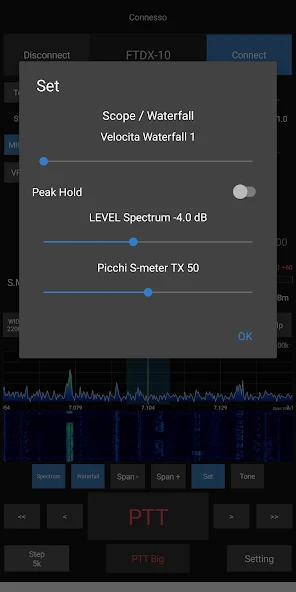
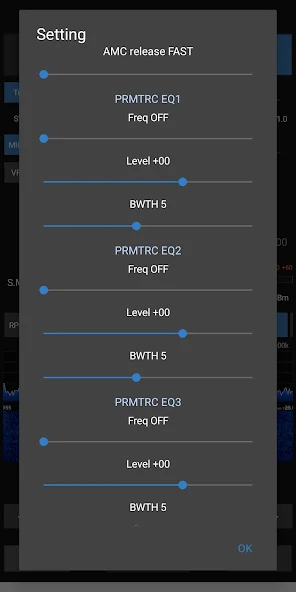
RX & TX audio
Listen and transmit from Android with PTT and radio audio controls.
Remote control for amateur radio
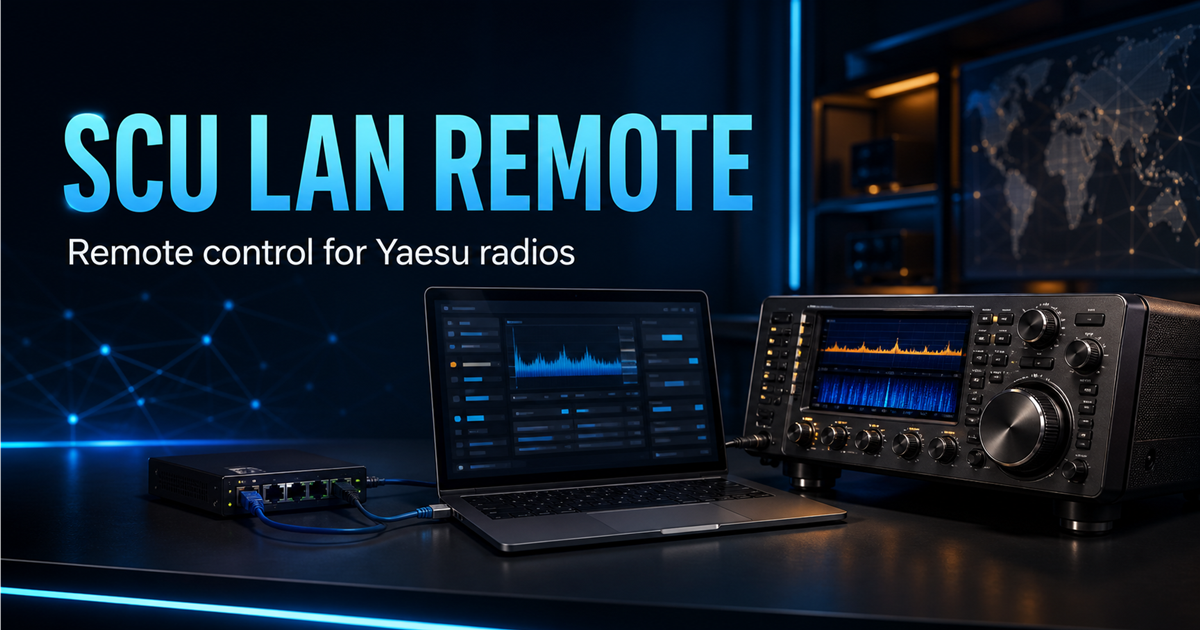
SCU LAN Remote brings your Yaesu FTDX10 or FT-710 to Android through the SCU-LAN10 network interface.
Requires a compatible radio and a correctly configured SCU-LAN10 unit.
Remote operation
Connect over your local network or the Internet and bring radio audio, tuning and operating tools with you.
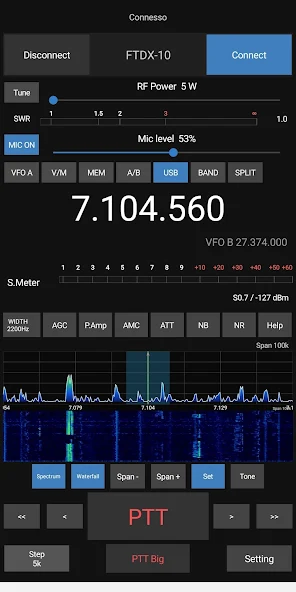
Listen and transmit from Android with PTT and radio audio controls.
Control frequency, mode, VFO and split operation through a touch-first interface.
Monitor spectrum and waterfall displays to find activity across the band.
Read S-meter, SWR and ALC; adjust AGC, ATT, NB, NR, notch, contour and width.
Access memory lists where available for the radio and configuration in use.
Receive, create and transmit SSTV images directly from the application.
Inside the app
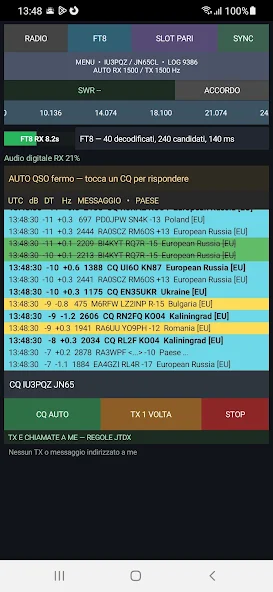
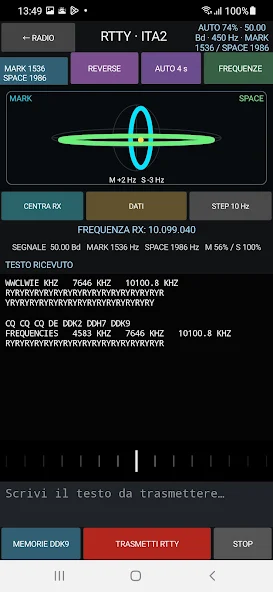
These images come directly from the app’s official Google Play listing.
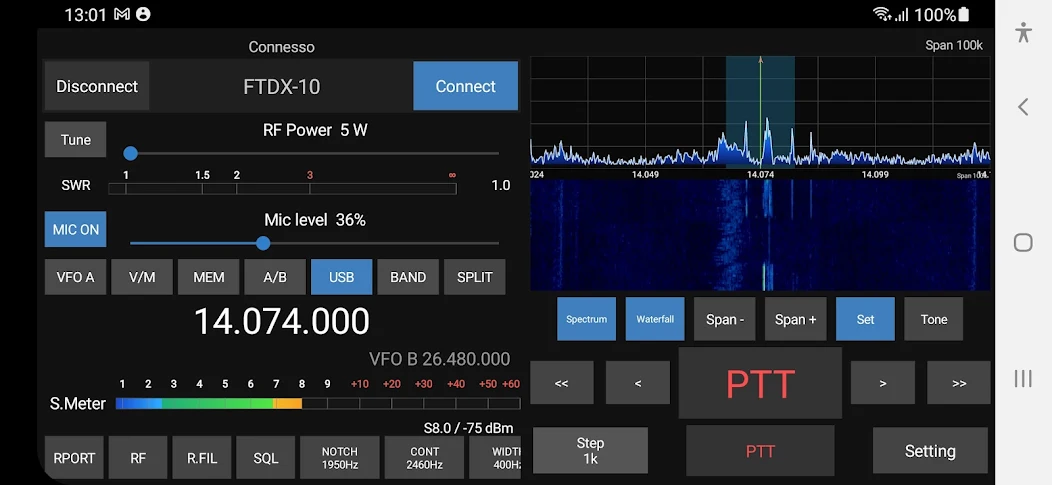 Full control · VFO · Spectrum · Waterfall · PTT
Compatibility
YAESU
SCU-LAN10 remote control available in the current app.
YAESU
SCU-LAN10 remote control available in the current app.
YAESU
Planned for a future update and not currently available.
Getting started
Before Internet use, check your network security and local rules for remote amateur-radio operation.
Connect the unit to a supported radio and your network following the manufacturer's documentation.
Prepare local or remote access and secure your router and Internet connection appropriately.
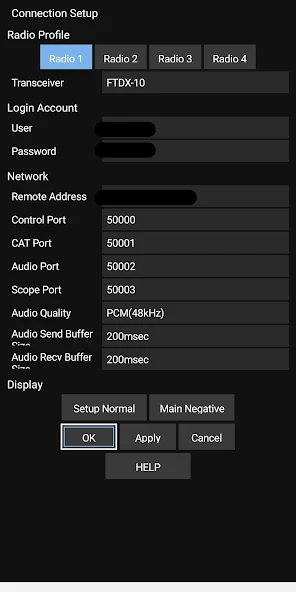
Install SCU LAN Remote on Android, enter your connection details and get on the air.
Frequently asked questions
An independent Android app for remote control of compatible Yaesu amateur radios through the SCU-LAN10 network interface.
The current version is designed for the Yaesu FTDX10 and FT-710. FTDX101D and FTDX101MP support is planned for the future and is not yet available.
Yes. A compatible radio, SCU-LAN10 unit and working network configuration are required.
Internet operation is possible when the remote network is configured correctly. Port forwarding, DDNS or other settings may be required.
Not yet. It is a future project; compatible Icom models and a release date will be announced when defined.
Ready to connect?
Download SCU LAN Remote for Android and control your station through SCU-LAN10.